Coping with the memory apocalypse
How do you solve a problem like Memory?
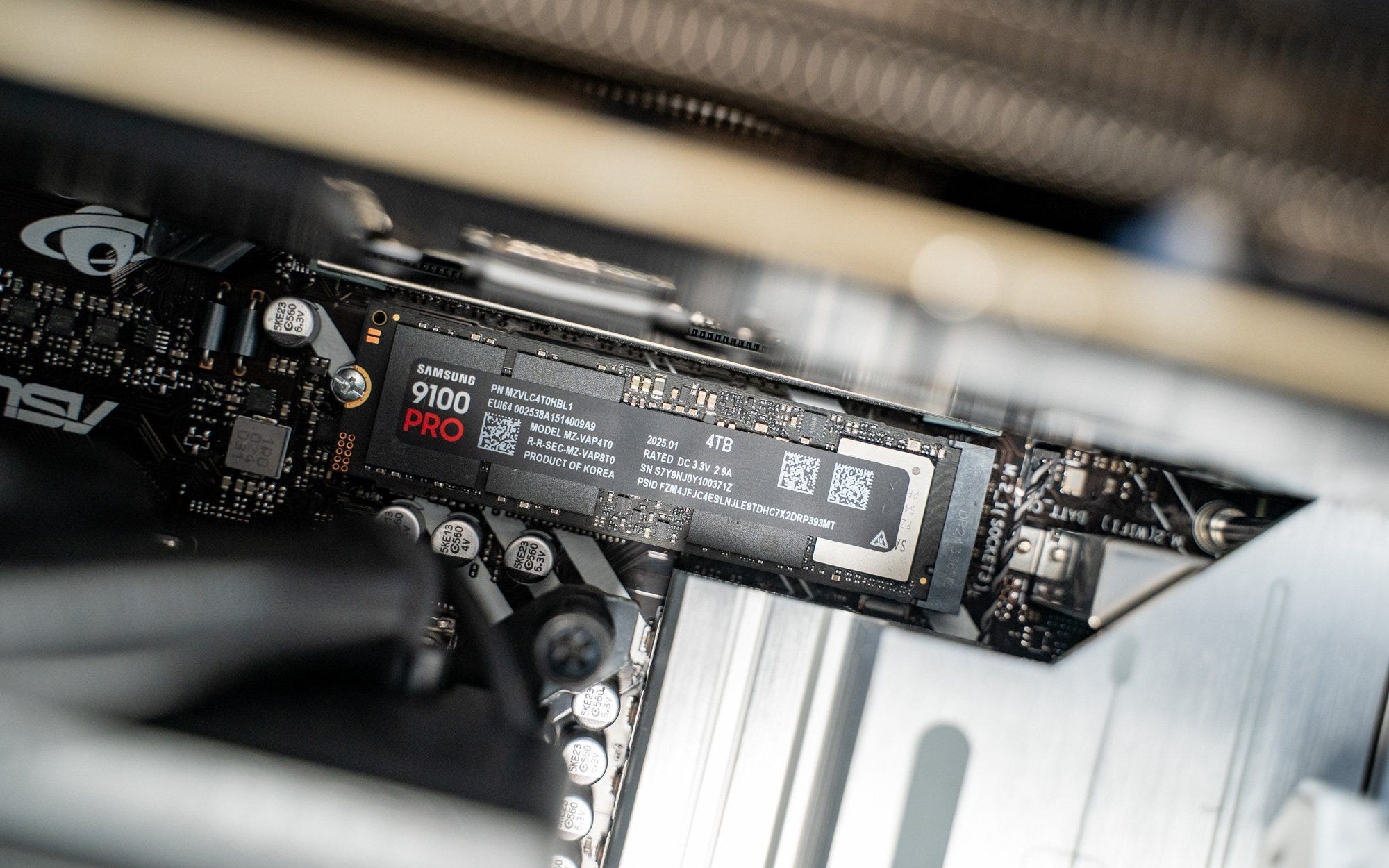
So, Micron is building a new US$24 billion factory in Singapore to make memory chips. It sounds great for the city state — 1,600 jobs to be created — but for consumers struggling to cope with the current memory chip shortage that is causing higher RAM and SSD prices, it’s no panacea. All those memory chips are intended for data centres, not consumer products.
In short, we, the consumers are all screwed. Doubly so if you’re still hanging onto your Windows 10 computers that are set to expire this year. Because prices of computers are already going up, with Asus and Dell among the first to announce higher prices for their PCs. Since this memory shortage isn’t going away anytime soon, what can you do?
For starters, you probably want your existing computer to last as long as it can. While we can’t do anything about the higher prices, we can conserve what we have, and extend their lifespan. Here are three simple tips to keep your PC’s memory and SSD healthy:
Ensure that your desktop PC is running cool
Constantly elevated temperatures will cause components like RAM and SSDs to fail. Keep the PC case well-ventilated — regularly clean the vents and fans of dust — and maybe cut down on the overclocking. Adding a heatsink or thermal pad to the SSD or extra fans to the casing may help, too.
Keep a healthy amount of free space on your SSD
It’s a bad idea to fill up your SSD to the brim since that will degrade the performance. Some free space is used for garbage collection and wear leveling operations that the SSD needs for optimal performance. Offload some of your files to a secondary hard drive or even upload them to the cloud.
And obviously, the less you write files to the SSD, the longer it will last. One way is to disable Windows’ hibernation process, which back ups the content of your memory into the SSD when the PC goes into hibernation. You could also turn off the indexing feature.
Update the firmware
This is probably a no-brainer, but do keep your SSD updated to the latest firmware. Manufacturers may have new wear leveling algorithms that extend the lifespan of their products.
This week, we tested a new super-light 16-inch laptop from Acer, tried the latest ear-clip-like open buds from Huawei, and checked out Oppo’s new camera-focused Reno15 Pro Max smartphone.
The Acer Swift Air 16 is remarkably thin and light for a 16-inch laptop, clocking in at just over a kilogram. The large OLED screen is also nice, especially for the S$1,699 asking price. The gapless keyboard, though, may not be everyone’s cup of tea. I was also not a fan of the touchpad. The performance and battery life are good enough for most office workers and students.
As its name suggests, the Huawei FreeClip 2 stays on by lightly clipping your ears. They sound surprisingly good for open earbuds, with very little leakage. An adaptive volume feature also adjusts the loudness to enable you to hear your tunes — most of the time. At S$228, these earbuds aren’t cheap, but for the sound quality and features, they are worth checking out.
The Oppo Reno15 Pro Max focuses on photography, and comes with solid cameras complemented by AI. We were especially impressed by the new AI-powered lighting that adjusts how it lights up your face. The design, though, is heavily inspired by the iPhone 16 Pro Max. At S$1,049, it’s much more affordable than flagship models.


Practical tips on extending SSD life here. The point about keeping free space for garbage collection is clutch - I've seen way too many peopel max out their drives then wonder why performance tanks. The firmware update reminder is underrated too since manufacturers keep tweaking wear leveling algos. Kinda wild how the consumer market gets squeezed while datacenter demand just keeps climbing. The thermal management advice is spot on esp for laptopswith limited airflow.