

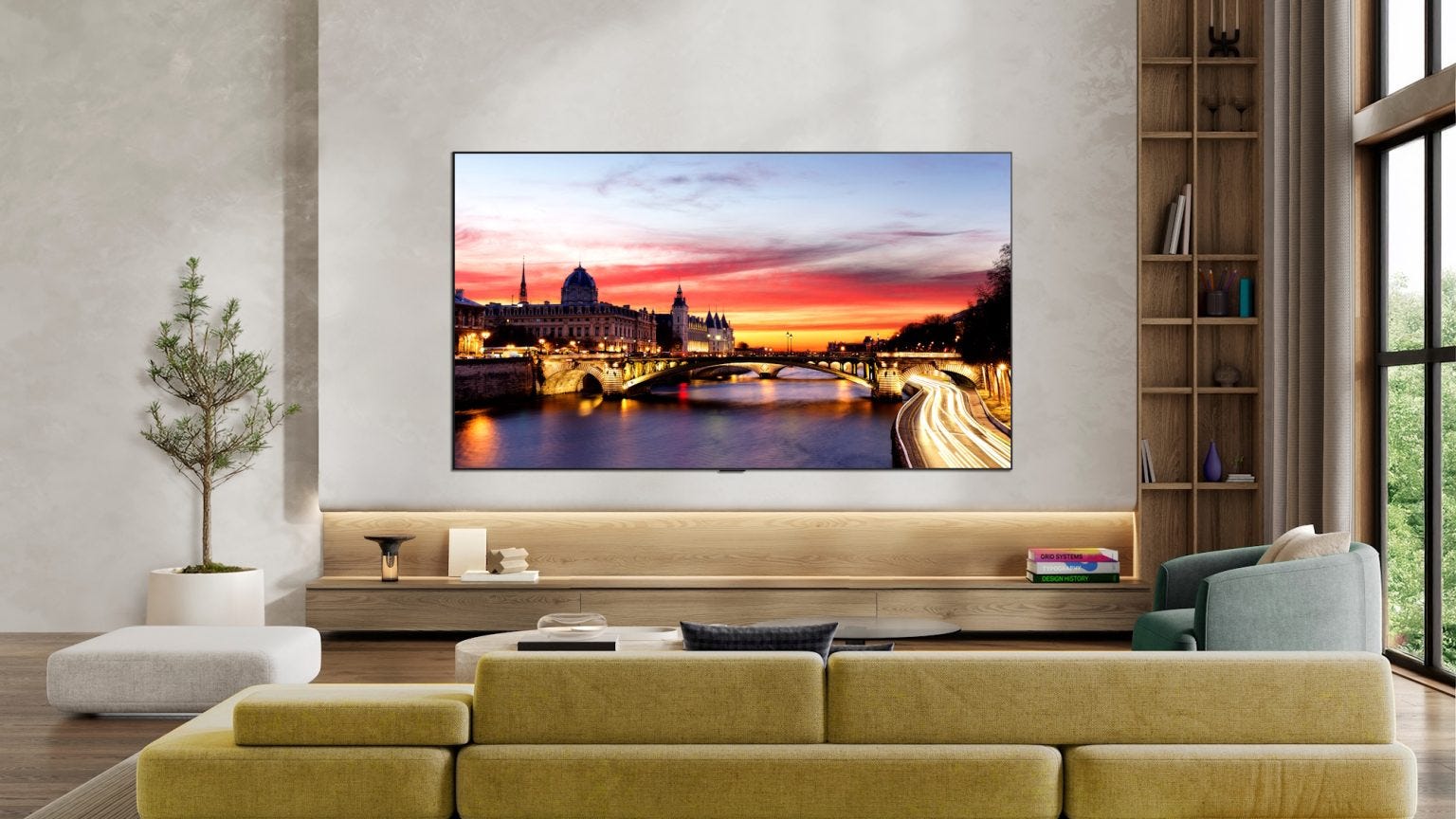
While testing the LG C6 last month, I was torn between the OLED TV’s excellent picture quality and the bloated webOS software that came with it. In fact, I have never heard so much grumbling from my family members over an LG TV before. In the end, I still gave it a “Can Buy” rating — it didn’t feel fair to penalise the TV hardware over the software and user experience — but I also advised potential buyers to use the TV with an Apple TV 4K.
In fact, I also bought an Apple TV 4K for my old LG C1, which had felt increasingly sluggish in recent months. I couldn’t tell if it’s the age of the TV (going on 5 years now) or the updated webOS that’s the culprit. But it was worth it for the clean and responsive user interface, especially since I got it before the recent price hike.
In any case, several YouTube reviewers that I follow for audio-visual products have also raised the issue of ads and the poor user experience on LG TVs recently. Here’s one of them showing users how to disable those dastardly ads. And the ads are even more sneaky than I thought.
But it gets worse.
Last week, Gamer Nexus dropped a bombshell about LG monitors silently installing adware like McAfee pop-ups on Windows PCs via its monitor utility, which installs itself when you update the monitor’s drivers. This didn’t just affect new models, but older ones, including some bought several years ago, were also doing it. Apparently, it has been happening for some time now. Well, the resulting backlash was so serious that Microsoft had to step in to tell LG to disable the offending monitor app.
But the damage has been done. Given how competitive the PC monitor market is, I would think any consumer who has done their homework would easily find out about this. Not to mention that LG displays are often used by other brands like Dell and Asus. Now I can’t think of that many reasons to get an LG monitor over a Dell, for example, if both have a similar panel.
After this adware incident, I’d say that most tech-savvy users who follow the industry will have heard of LG’s bad behaviour. These are the folks who will probably be giving product recommendations for friends and family. Personally, I will be combing through every LG product with a fine needle from now on.
This week, we tested Xiaomi’s latest affordable fitness tracker, a lightweight and nimble gaming mouse from Logitech, and an Asus Wi-Fi 7 router that’s value for money.
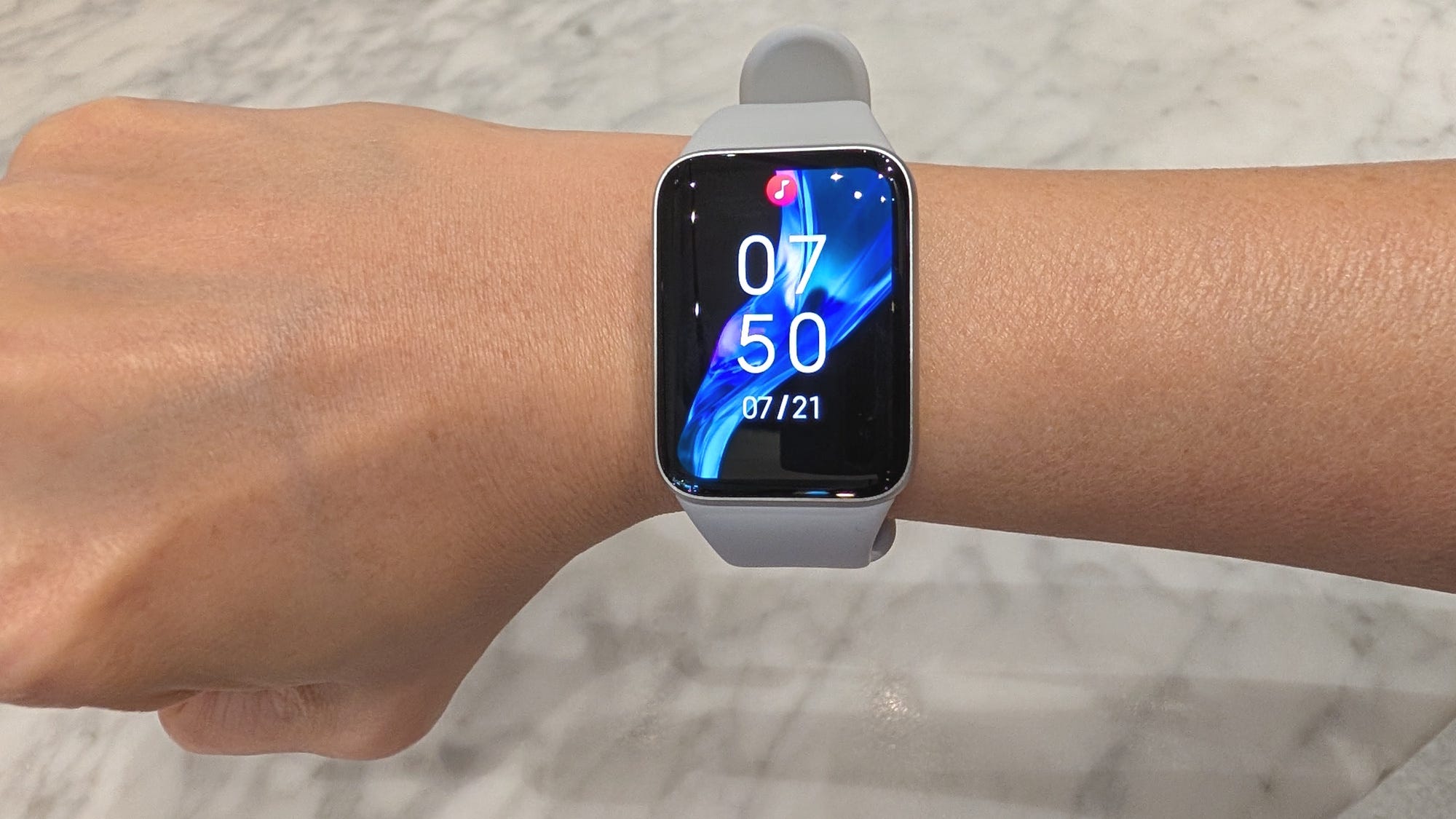
The Xiaomi Smart Band 10 Pro now comes in a nice ceramic version, but the standard aluminium one is pretty good, too. You get a GPS fitness tracker that can last up to 14 days. Even with heavy use, it’s good for about a week. The screen is slightly brighter on the latest model, along with improved heart rate monitoring and sleep tracking.
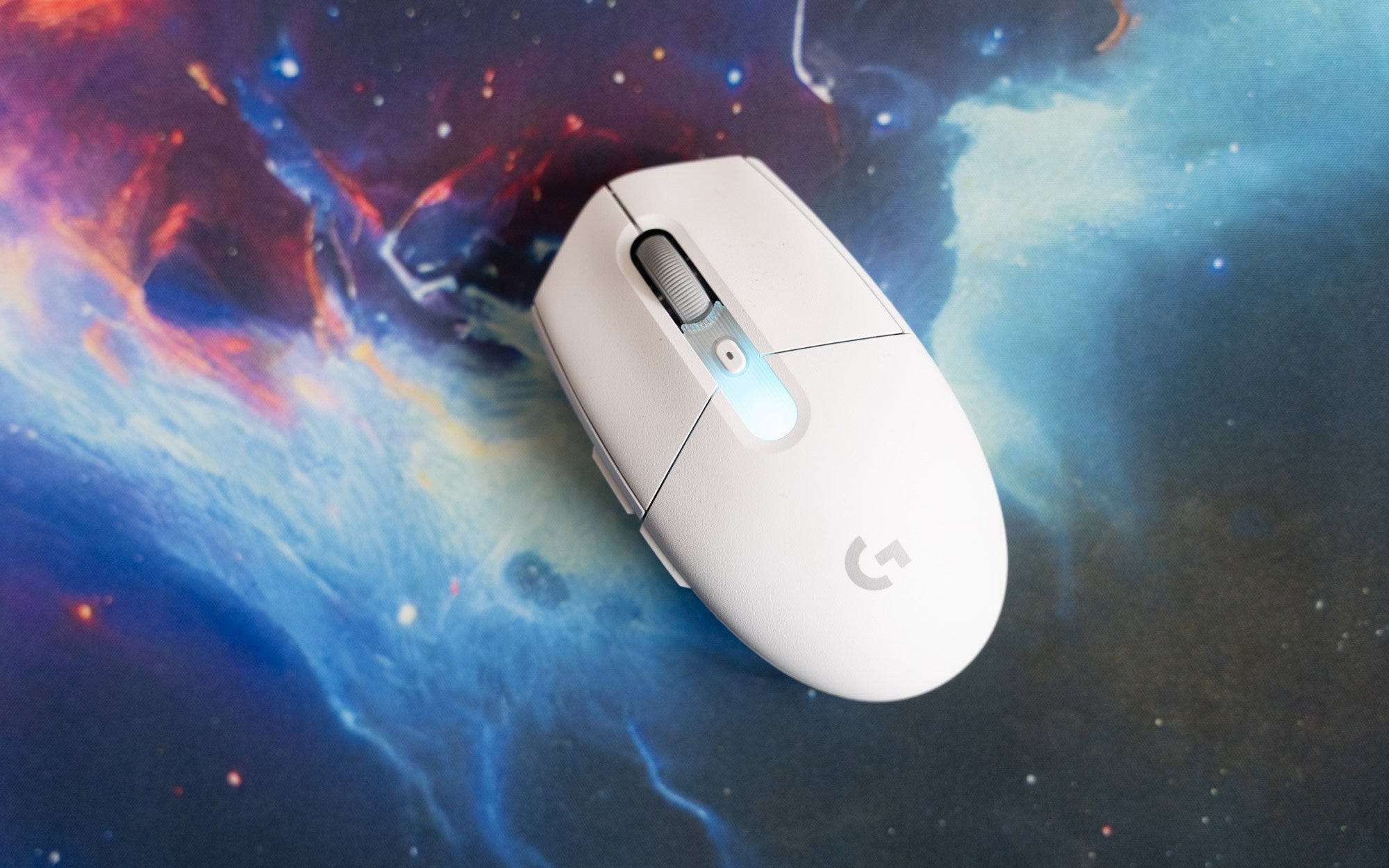
The Logitech G304 X Superlight reuses the shape of the older G304 gaming mouse, but shaves 40g from the weight. Its Hero 44K sensor offers up to 8,000Hz polling rate, and the addition of Lightsync RGB lighting. Battery life, though, takes a substantial dip to 130 hours, down from 250 hours.
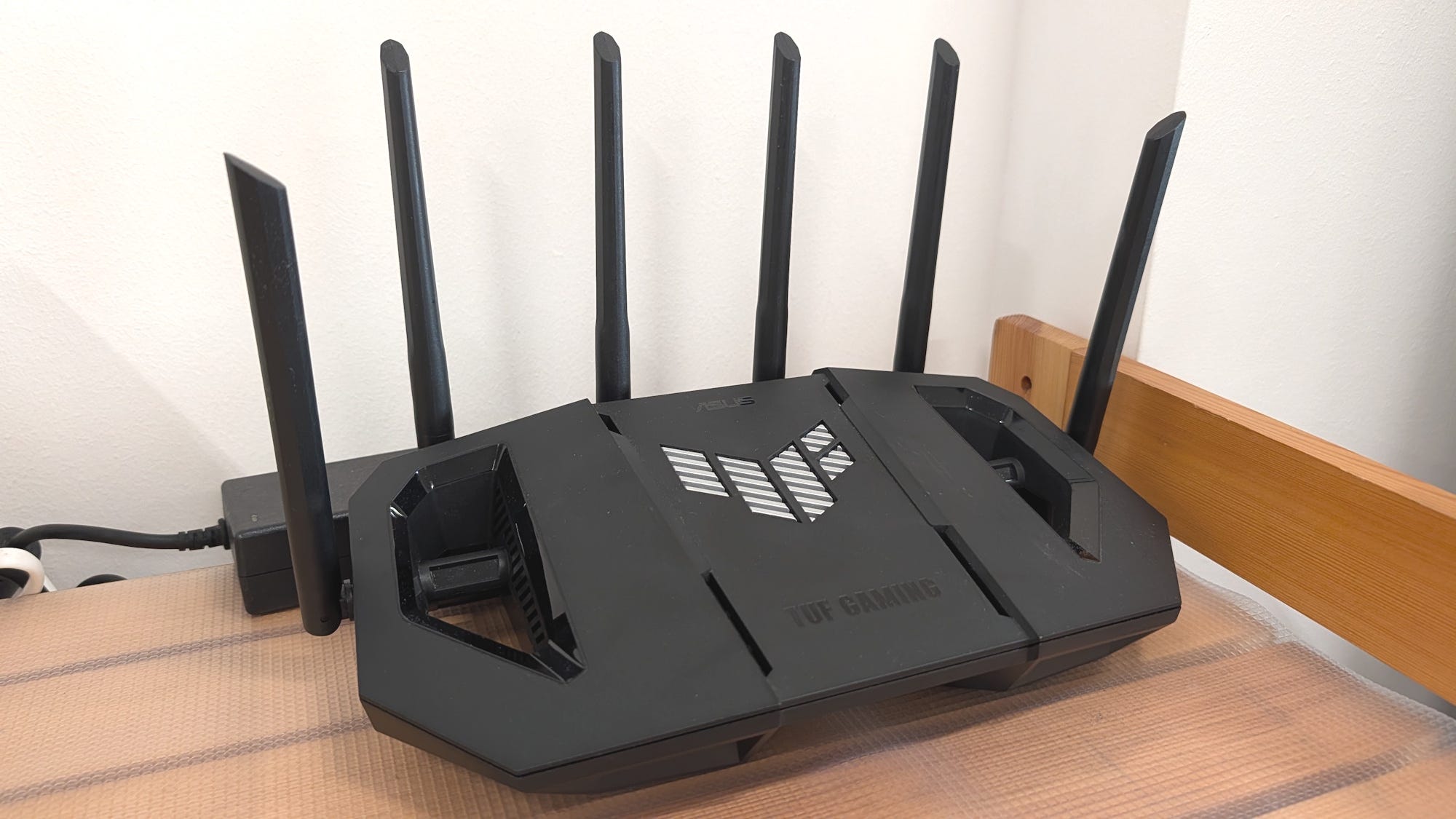
Most home users don’t have devices capable of using the bandwidth from a 10Gbps broadband fibre plan. Which means that the Asus TUF Gaming BE9400, which caps out with four 2.5Gbps Ethernet ports, is good enough. More importantly, it’s relatively affordable at S$349 for a Wi-Fi 7 router that has most of the features you’d want, including security software and parental controls that don’t require a subscription.