

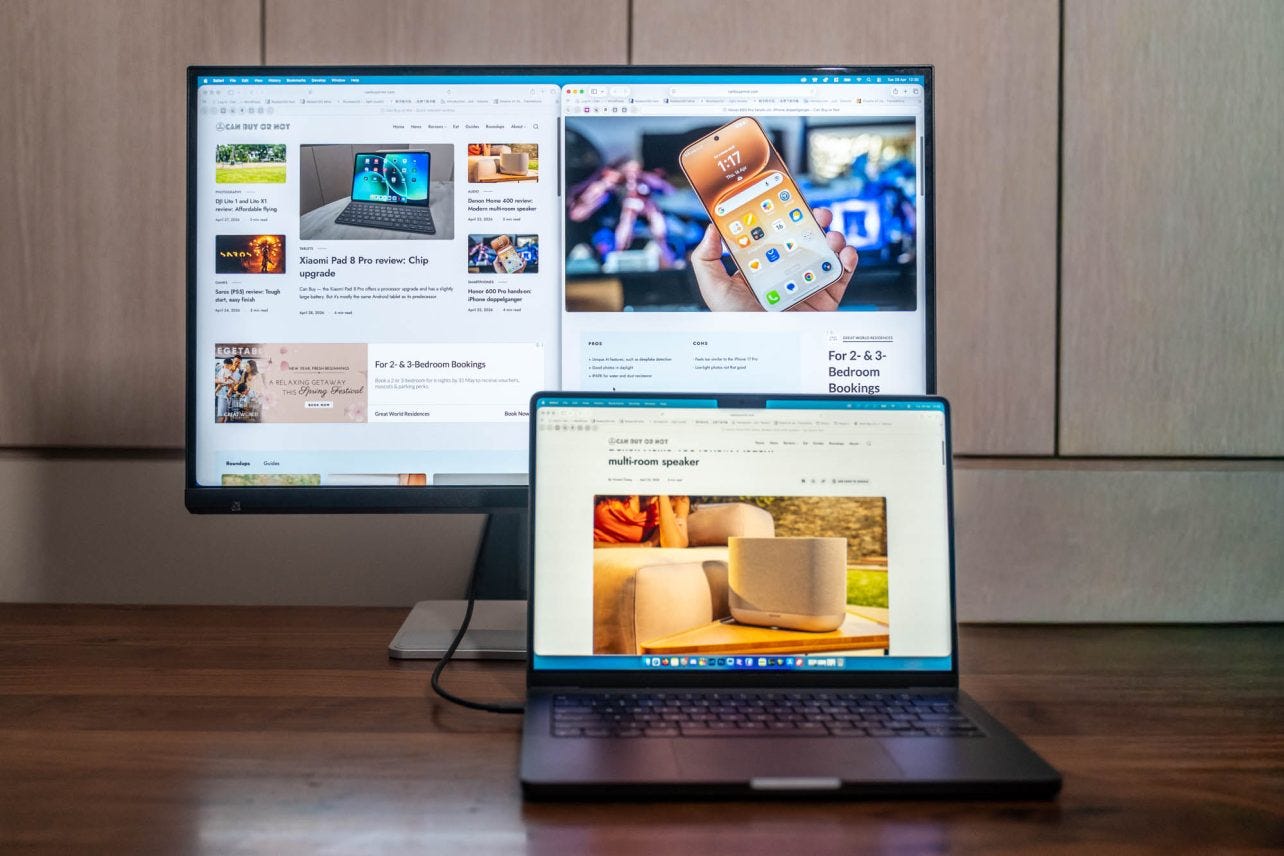
It’s one of those baffling things you never really pay attention to. Until you notice it, then you can’t unsee it.
I’m speaking, of course, about how Apple’s Macs and MacBooks in general require very specific monitor resolutions in order to show you crispy text. Basically, you’ll have no issues if you’re just using a MacBook’s display, but if you want to hook it to external monitors, I recommend not settling for a standard 1080p screen.
Basically, macOS requires a pixel density of around 220 PPI (pixels per inch), and MacBooks such as the 14-inch MBP come with 254 PPI, while the 15-inch MacBook Air skirts it a little with just 224 PPI.
But if you’re connecting that MacBook to an external 24-inch 1080p monitor? Well, that’s just 92 PPI, which will make your screen look fuzzy. So what happens if you get a 4K display? Well, it’s not too bad, though you may feel it won’t be as sharp compared with a proper 5K. You also may notice some shimmer when scrolling, and this is really obvious on 108…
