

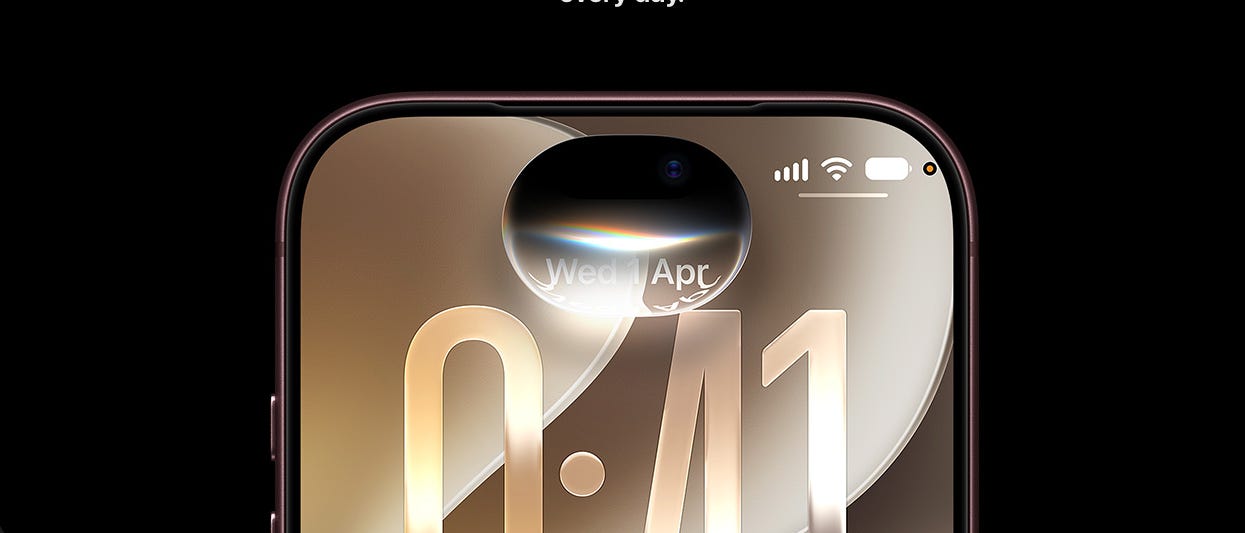
Sick and tired of getting scam calls and messages? Apple’s latest iOS update (27.2) adds a bunch of new features to help suss out the sus.
For one, phones will screen unknown senders by default, which automatically forces unknown callers to answer questions about the call even before the phone rings. Now, while this works, it does filter out some callers that don’t bother to engage with the call screening, such as a call from your apartment’s gate when someone’s requesting access.
You can filter the numbers to avoid these scenarios. But before I realised this, I kept missing the calls and left visitors waiting outside. Oops.
On the Messages app, links from unknown senders are automatically disabled, and you’ll also get warning messages for unknown and international numbers. FaceTime will also disable name sharing and photos from unknown callers, which means someone can’t use a fake Singapore Police profile picture and name to try to scam you.
But the thing is, these features are basically limited to Apple’s own apps. So if you live in the US and use Messages all the time for that blue bubble, great. In Singapore, where the primary mode of messaging is WhatsApp? Well, these features don’t work for that app.
Apple doesn’t mandate that messaging apps on its platform offer similar protection, and leaves it up to developers to implement. Which is a shame, really, because Apple’s walled garden ecosystem is the perfect environment to implement such measures system-wide.
After all, it already mandates that apps cannot use AI to generate nudes of people, offer solicitation or sex work, child trafficking and the like. So it’s not like it can’t add a few more rules for messaging platforms to require that they disable links from unknown senders, or even requiring that they block random video callers from showing photos and names.
But maybe Apple is setting the example here, and hoping that developers will take notes and follow. Or perhaps it’s just good advertising to show that its users are more secure (if they only use their apps).
While WhatsApp does have its own scam protections, such as disabling link previews, I guess I’ll just have to continue to be vigilant when replying messages and answering calls from unknown users as well as clicking on links on WhatsApp or opening files. Heck, you should always do this anyway, regardless of platform.
This week, it’s all about audio as we tried Anker’s clip-on earbuds, tested JBL’s flagship Cove wireless speaker, and listened to Apple’s new HomePod mini 2.

Clip-style open earbuds are trending — Samsung announced its own version recently — and it’s not hard to see why. They are comfortable, and let you stay aware of your surroundings. Like other such earbuds in the market, Anker’s Soundcore Aeroclip 2 earbuds clip to the bottom of your ear. They are also pretty striking in a matte Burgundy Red finish. The audio is actually impressive, though there’s no noise cancellation.
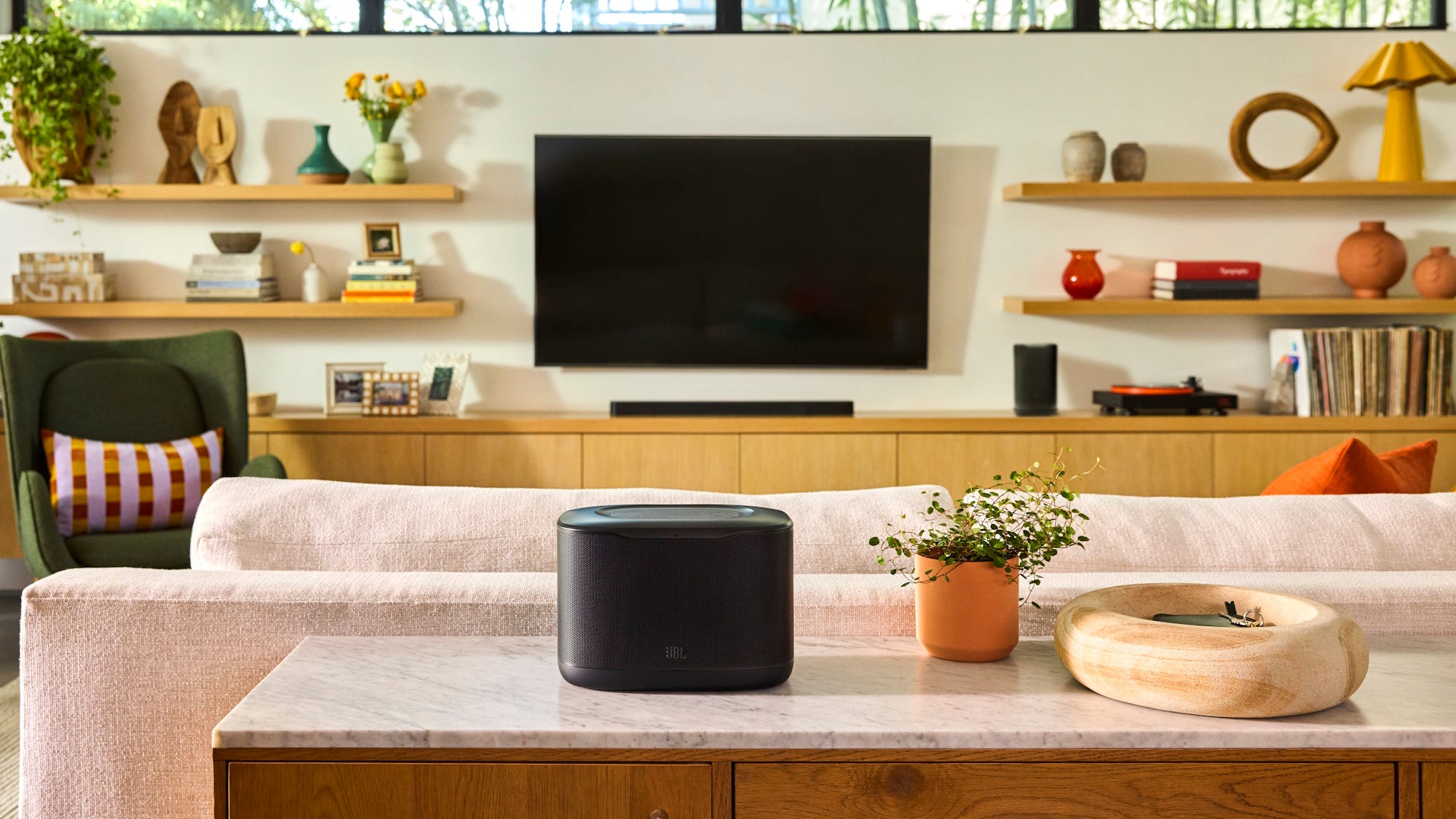
The most expensive of the three Cove wireless speakers released by JBL recently, the JBL Cove X1 offers a room-filling sound. You can also use it as part of a home theatre setup with a compatible JBL soundbar or as a stereo pair. More importantly, it’s really easy to switch between these use cases, as well as add it as part of a whole-room audio setup using the responsive and user-friendly JBL One app.
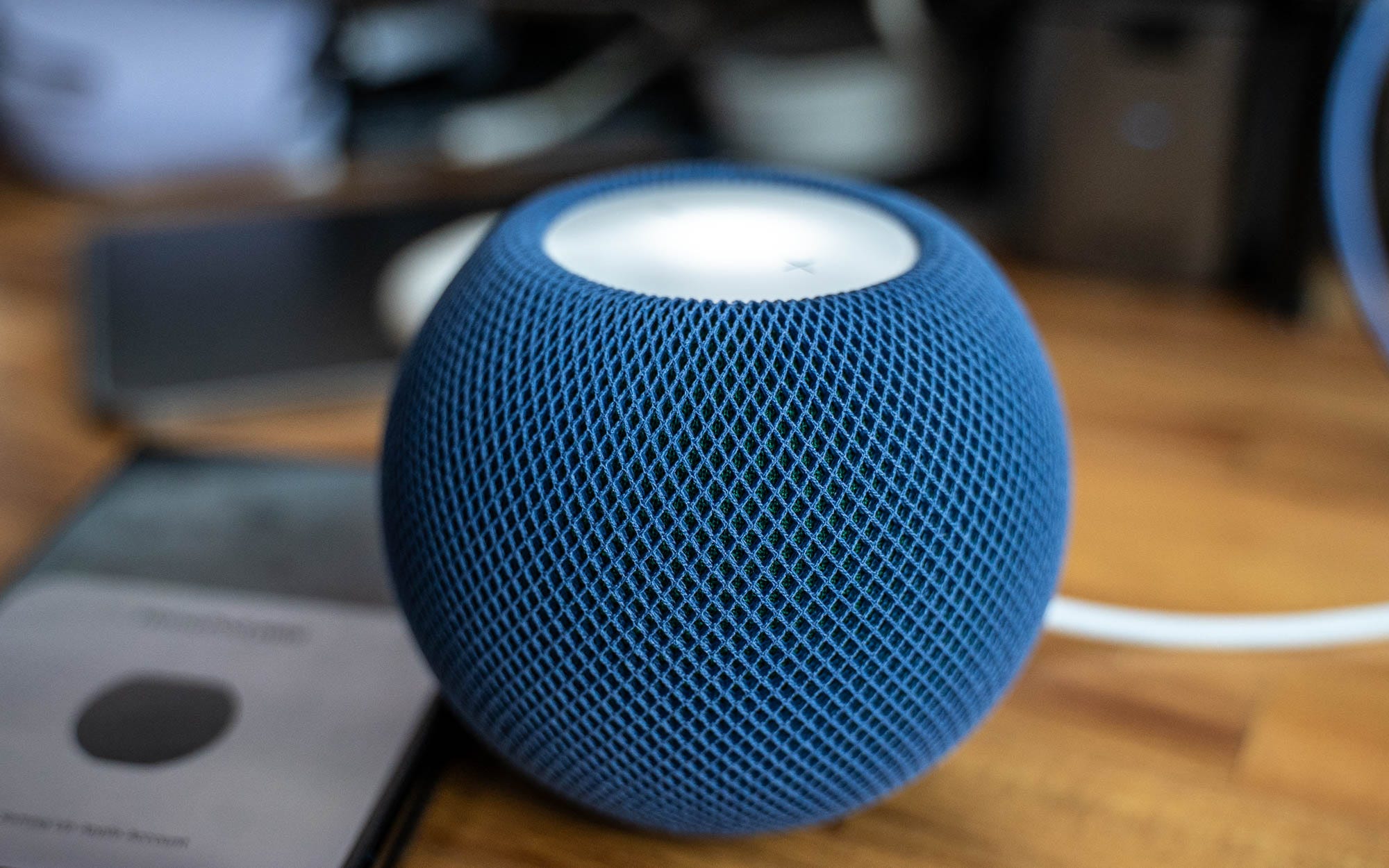
The new Apple HomePod mini 2 may look identical to the previous version, but when it comes to the sound, it’s a bit richer and fuller, with a more pronounced bass. There’s also Sound Glow, a new light effect that syncs to the music, while Siri AI will arrive in a future update. And it can be used in a four-speaker surround sound setup with the latest 4th-gen Apple TV 4K.